
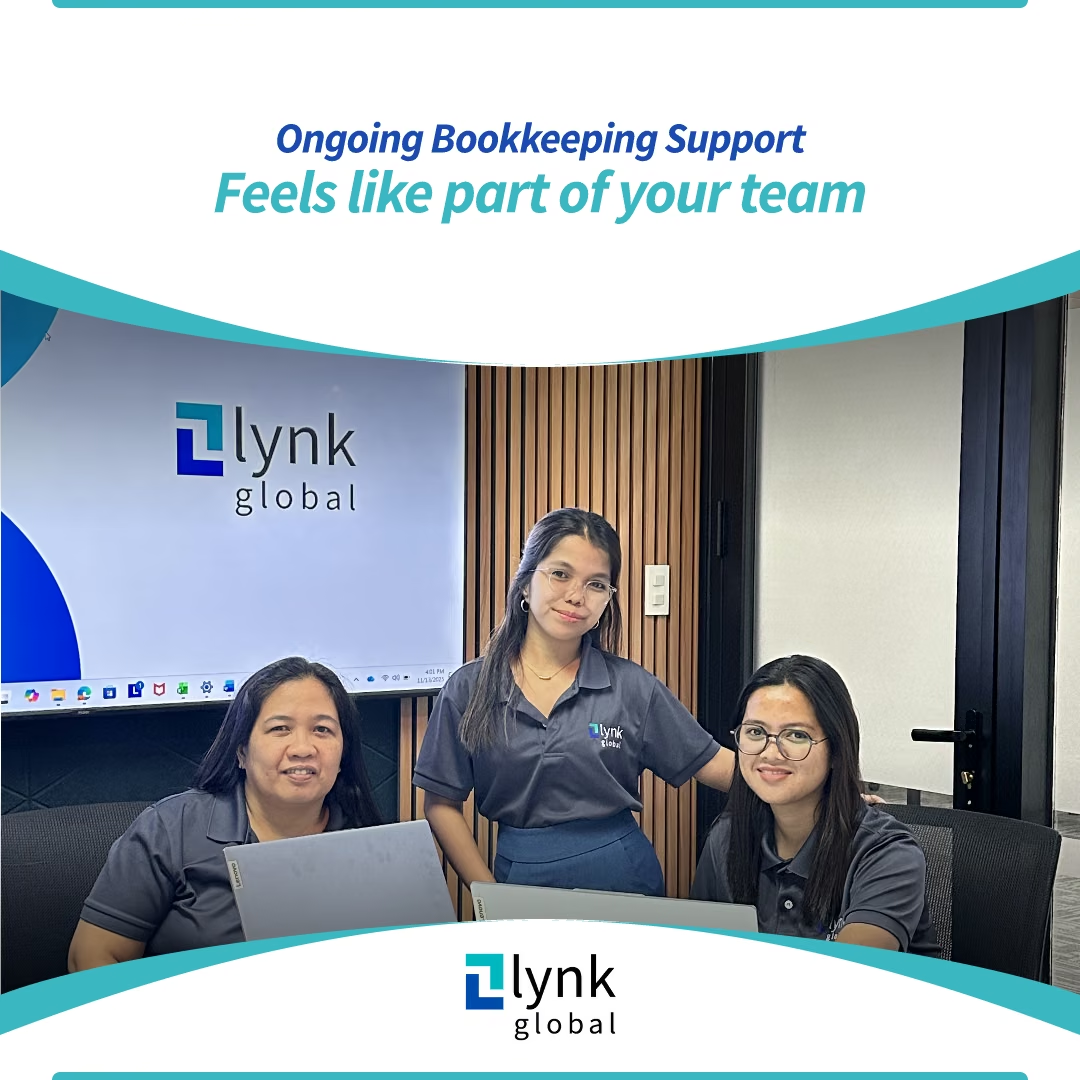
Compare an in-house bookkeeper, a bookkeeping service and a dedicated offshore hire by workload, cost and who manages the work. The right arrangement depends on the hours and supervision your business needs.
Advantages of In-House Bookkeeping
- Control & Oversight
Having someone on your team means immediate access to data and direct visibility into daily processes. - Customised Workflows
An internal bookkeeper can build processes tailored to your industry nuances, approval flows, and software stack. - Faster Internal Communication
Quick clarifications, immediate feedback, and proximity to operations can speed up routine tasks.
Challenges of In-House Bookkeeping
- Higher Total Cost of Ownership
Beyond salary, factor in superannuation, leave, training, software licences, and workspace. Absences or turnover can add disruption and cost. - Skill Gaps & Training
Regulations, software, and best practices evolve. Keeping one person fully up-to-date requires ongoing training and management. - Capacity Constraints
Surges like a catch-up clean-up, audit prep, or seasonal spikes can overwhelm a single resource.
Advantages of Outsourced Bookkeeping
- Cost-Effective for SMEs
You pay for the scope you need whether weekly, monthly, or project based, without the fixed overhead of a full time hire. - Immediate Access to Expertise
Providers bring a team of trained bookkeepers familiar with multiple industries, tools, and "what good looks like." - Scalable & Flexible
Need to add AR follow-ups, payroll support, or multi-entity consolidation? Outsourcing scales up (or down) without recruitment headaches. - Process & Quality Controls
Reputable firms use standardised checklists, review layers, and cloud workflows that reduce errors and speed up month-end.
Challenges of Outsourced Bookkeeping
- Less Hands-On Control
You're not sitting next to your bookkeeper, so you'll rely on shared dashboards and agreed communication rhythms. - Process Discipline Required
Clear documentation, prompt approvals, and defined cut-offs keep things running smoothly.
Cost Comparison: In-House vs. Outsourced
In-House Costs
- Fixed salary + super + leave loading
- Software subscriptions (e.g., Xero/MYOB/QuickBooks add-ons)
- Training, recruitment, and onboarding
- Management time and back-up coverage
Outsourced Costs
- Monthly package or hourly/project rate aligned to scope
- Add/remove services as needs change (e.g., add AR follow-ups during growth)
- Minimal onboarding overhead; provider handles training internally
Practical tip: Map your average monthly transactions, number of invoices (AR/AP), bank/credit card accounts, and reporting needs. Then request a fixed-fee or tiered proposal so you can compare apples with apples.
Key Questions to Ask Before You Choose
- Transaction Volume: How many invoices, bills, and bank lines per month?
- Cadence: Do we need weekly, fortnightly, or monthly processing?
- Scope: Do we need AR follow-ups, AP scheduling, payroll, or just core reconciliations?
- Reporting: What do we expect each month P&L, balance sheet, cash-flow, budgets vs actuals, KPI dashboards?
- Capacity & Oversight: Who will approve payments, sign off on reconciliations, and own timelines?
- Scalability: Can this model expand or contract as we grow or seasonally spike?
- Security & Access: How will documents be shared, approvals captured, and user permissions managed?
Documenting these answers will clarify whether in-house or outsourced gives you the best blend of control, cost, and capability.